NeuroVirt – Clinician Guide
What is NeuroVirt?
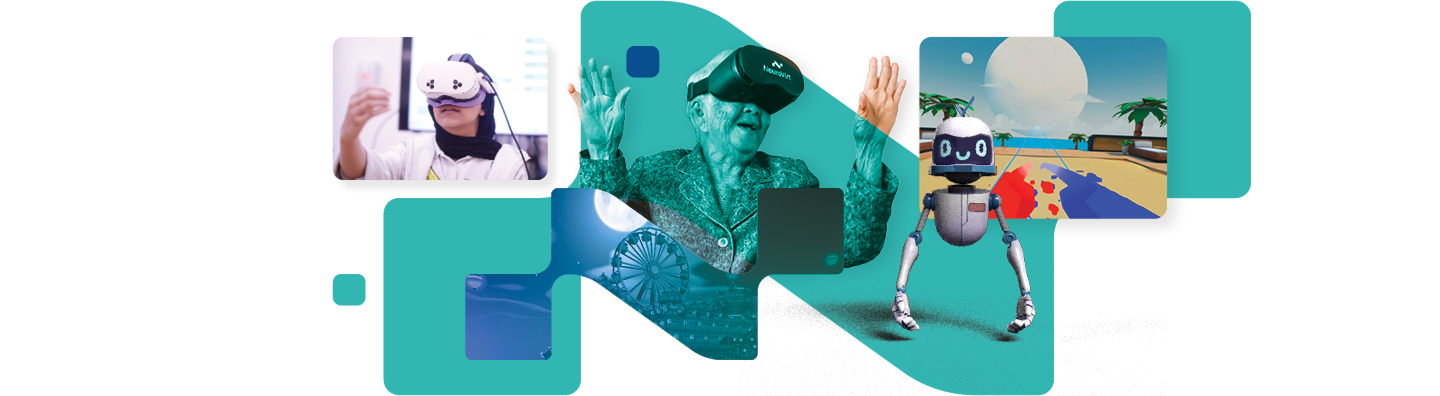
NeuroVirt is a registered medical application (FDA‑cleared) XR (AR & VR) rehabilitation platform designed for full‑body rehabilitation and functional assessment.
It uses immersive, gamified exercises with adjustable difficulty to support high‑intensity, task‑specific training while maintaining high patient engagement.
What does the app include?
NeuroVirt includes a library of gamified rehabilitation exercises targeting upper‑limb, lower‑limb, balance, and fine motor skills.
Games are organized by body region and functional goal, allowing clinicians to select activities based on the patient’s abilities and rehabilitation stage.
Who is it for?
NeuroVirt is suitable for a wide range of rehabilitation populations, including:
- Stroke
- Traumatic Brain Injury (TBI)
- Spinal Cord Injury (SCI)
- Non-traumatic Brain Injury
- Parkinson’s disease
- Multiple Sclerosis (MS)
- Cerebral Palsy
- Orthopedic conditions
- And additional neurological or mobility-related impairments
The platform can be used with individuals presenting with mild to severe motor impairments. It is aphasia-friendly, using minimal text and strong visual guidance to support patients with communication challenges.
All games can be played using bilateral assisted mode with a single controller, allowing clinicians to support patients with significant unilateral weakness or limited functional use of one upper limb.
Safety note
⚠️ Patients should always begin in a seated position, unless the clinician determines that standing activities are appropriate and safe.
Perform a risk assessment prior to use.
Upper‑limb training games
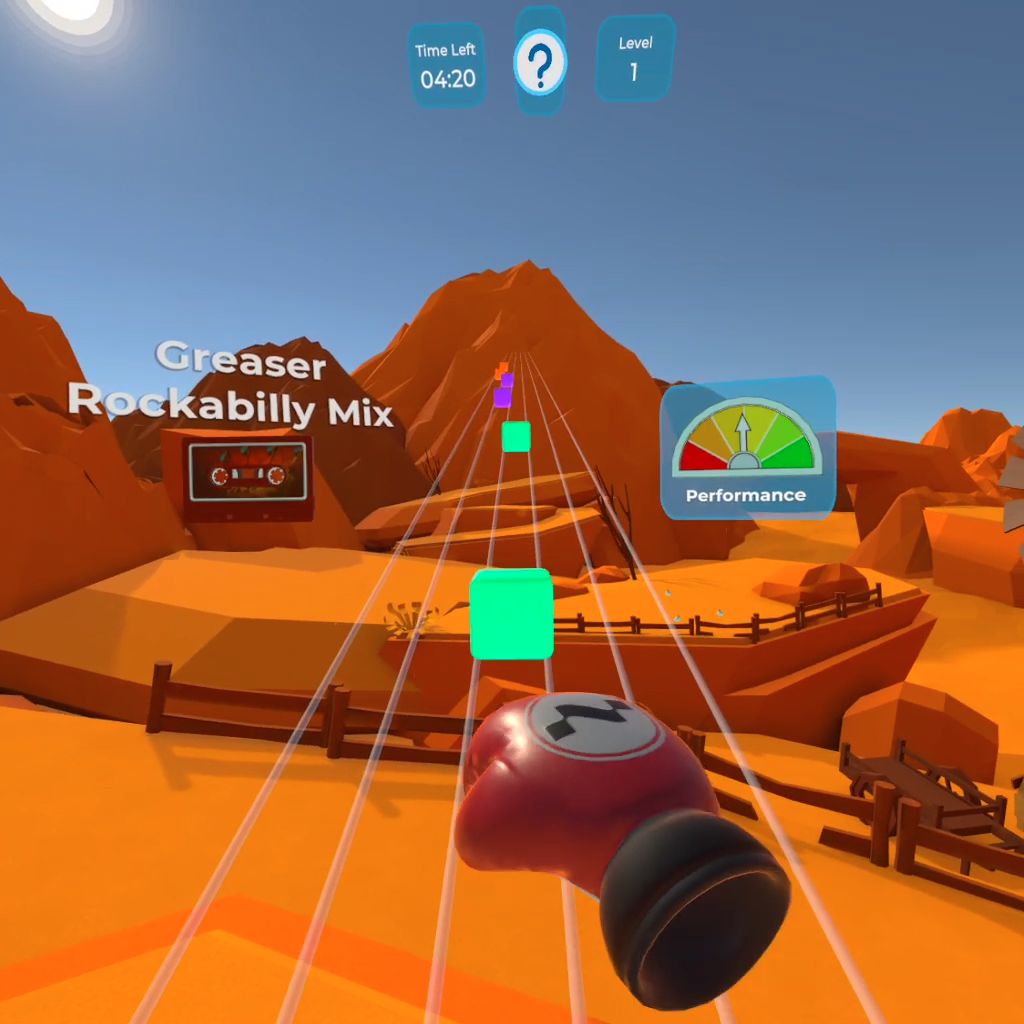
Dynamic Reach- Boxing Game
Trains gross motor control, coordination, and reaction time through punching movements toward visual targets.
Difficulty: Easy
Forward Reach- Saw Game
Focuses on bilateral shoulder and elbow flexion/extension using symmetrical, task‑based movements.
Difficulty: Easy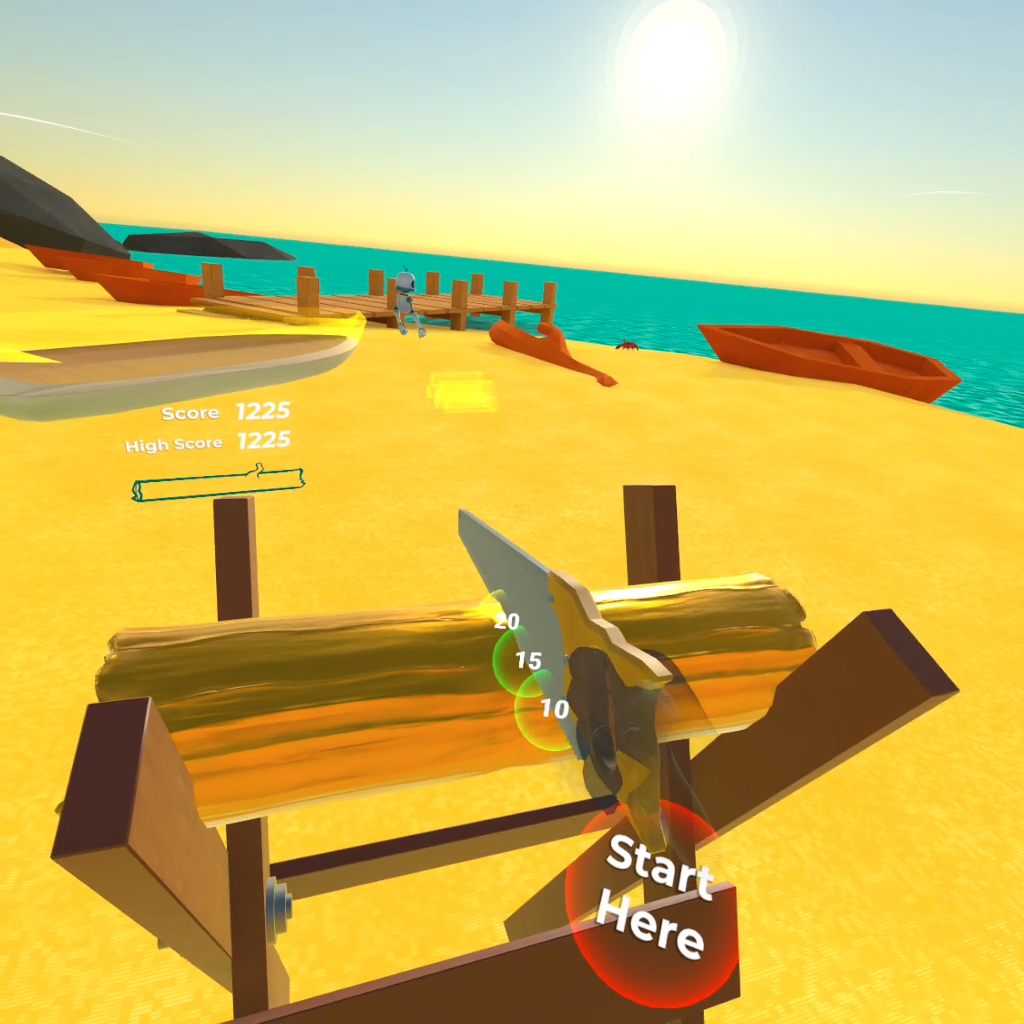
Reach Range- Butterfly Catching
Encourages controlled reaching and upper‑limb mobility. The user catches butterflies in sequence using smooth arm movements.
Difficulty: Easy–Moderate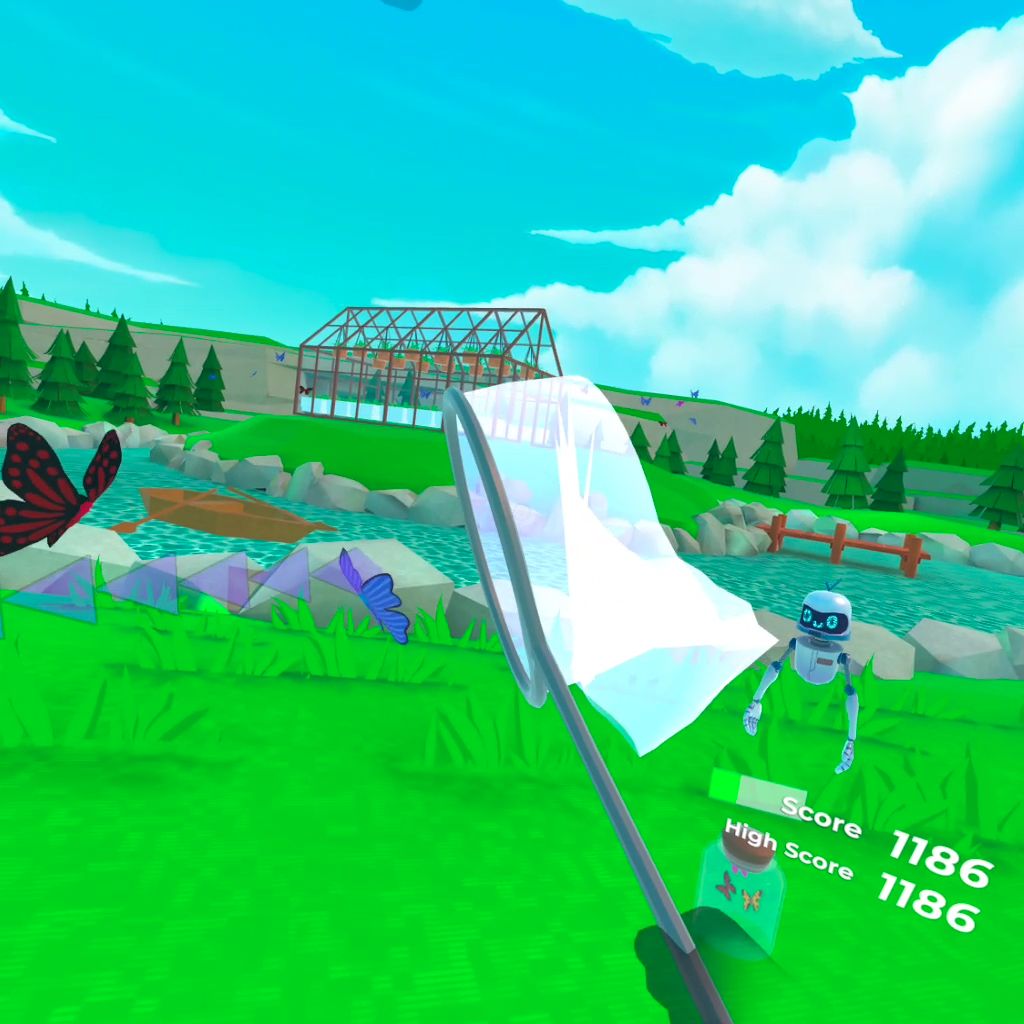
Reach Control- Buzz Wire Game
Improves reach accuracy and movement control by guiding the hand through defined targets.
Difficulty: Moderate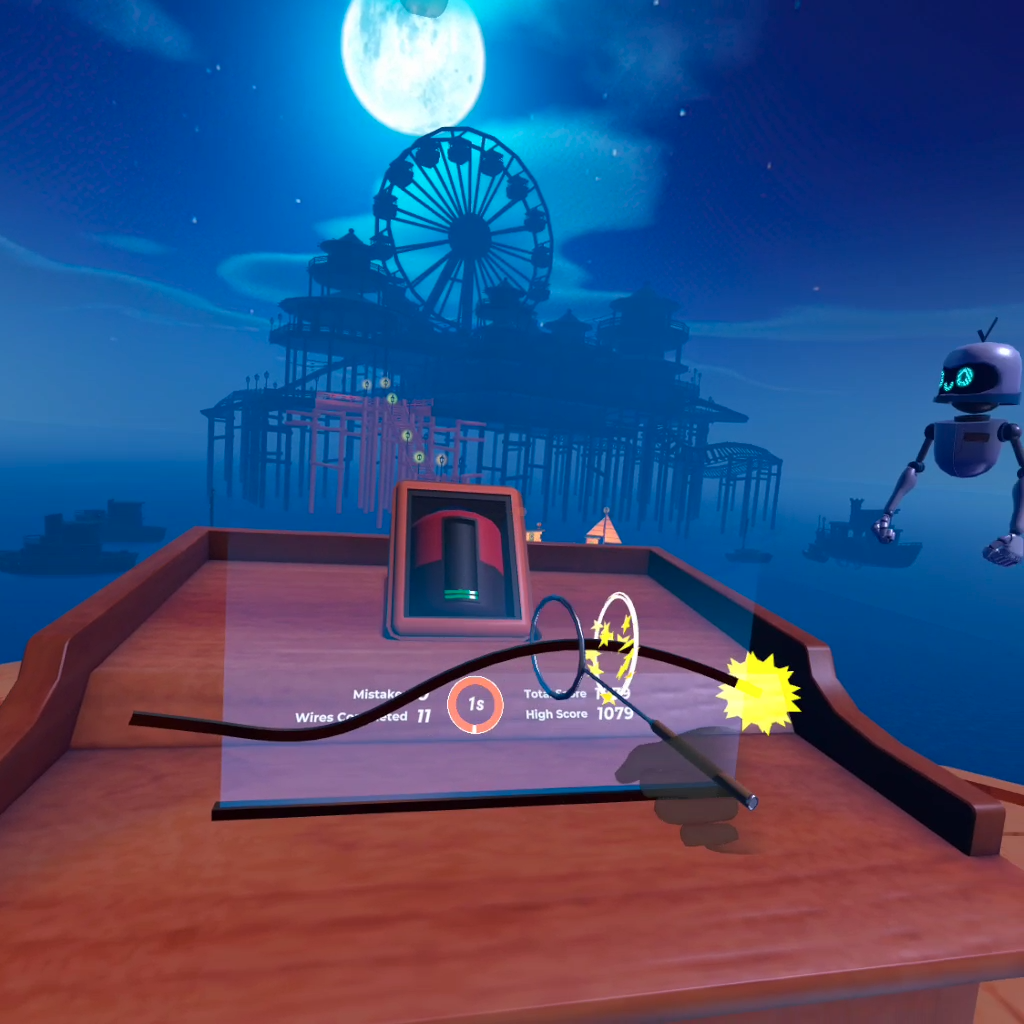
Wrist- Maze Game
Targets wrist control and directional precision by guiding a ball through a maze using controlled wrist motions.
Difficulty: Moderate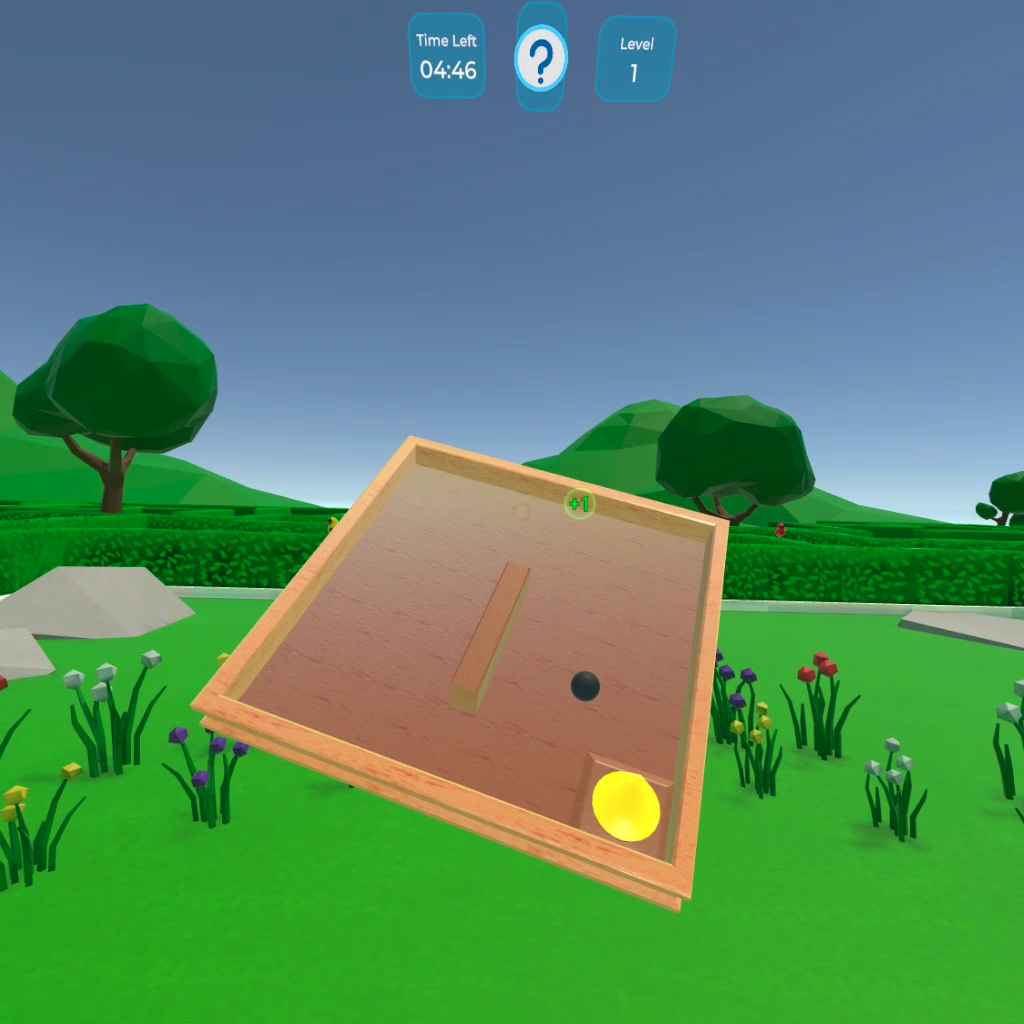
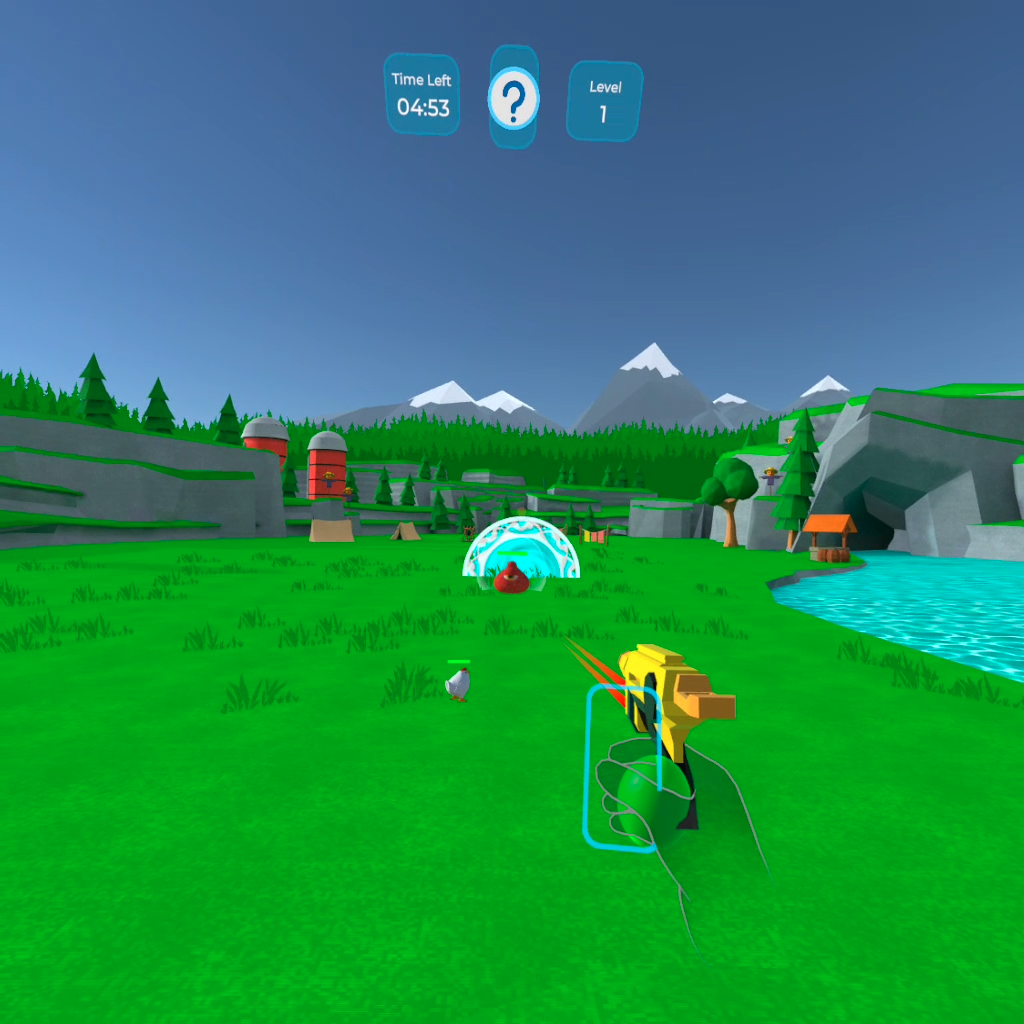
Grip- Shooting Game
Develops grip strength and active range of motion. The user squeezes a ball to activate shots toward targets.
Difficulty: Moderate
Finger Flex\Ext - Music Game
Enhances finger mobility, timing, and coordination through rhythmic interaction.
Difficulty: Hard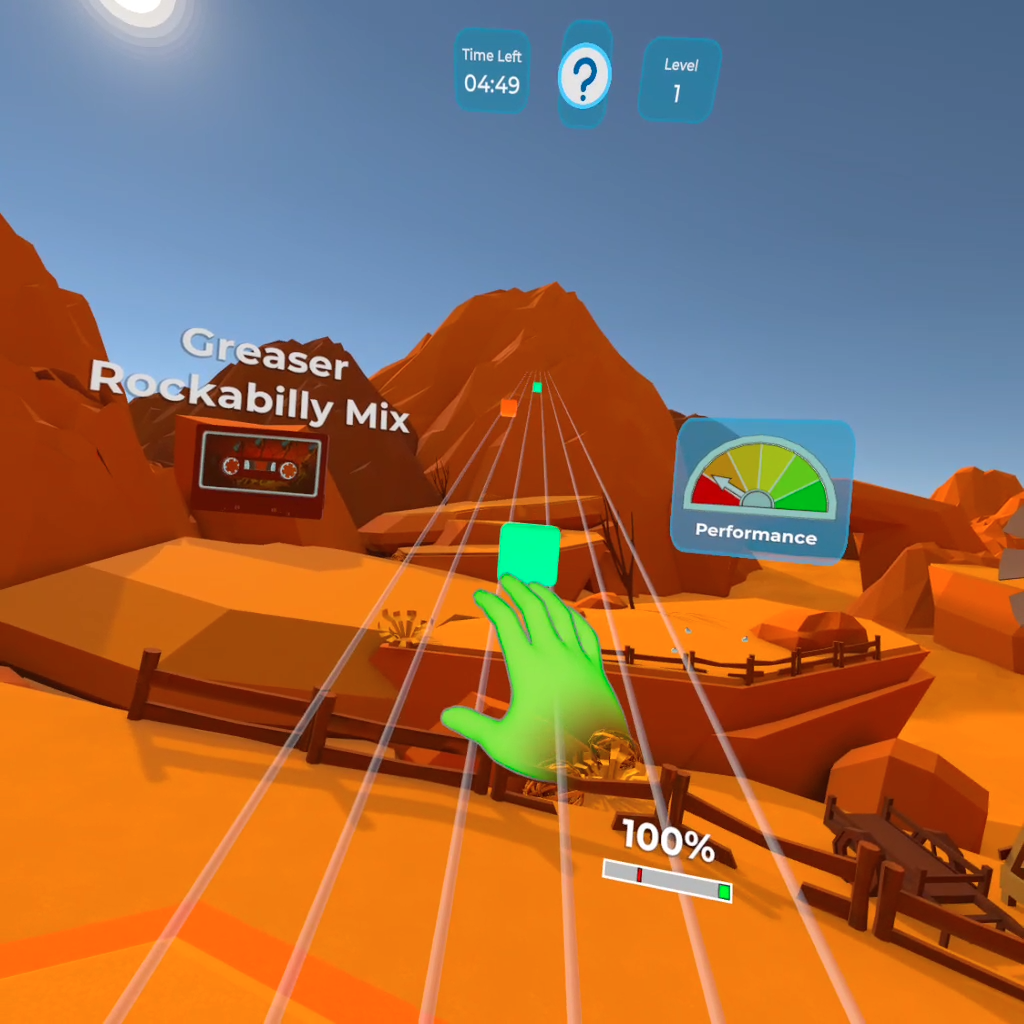
Fine Motor- Cooking Game
Trains fine motor skills and functional hand use through task‑based activities such as slicing, stirring, and assembling items.
Difficulty: Hard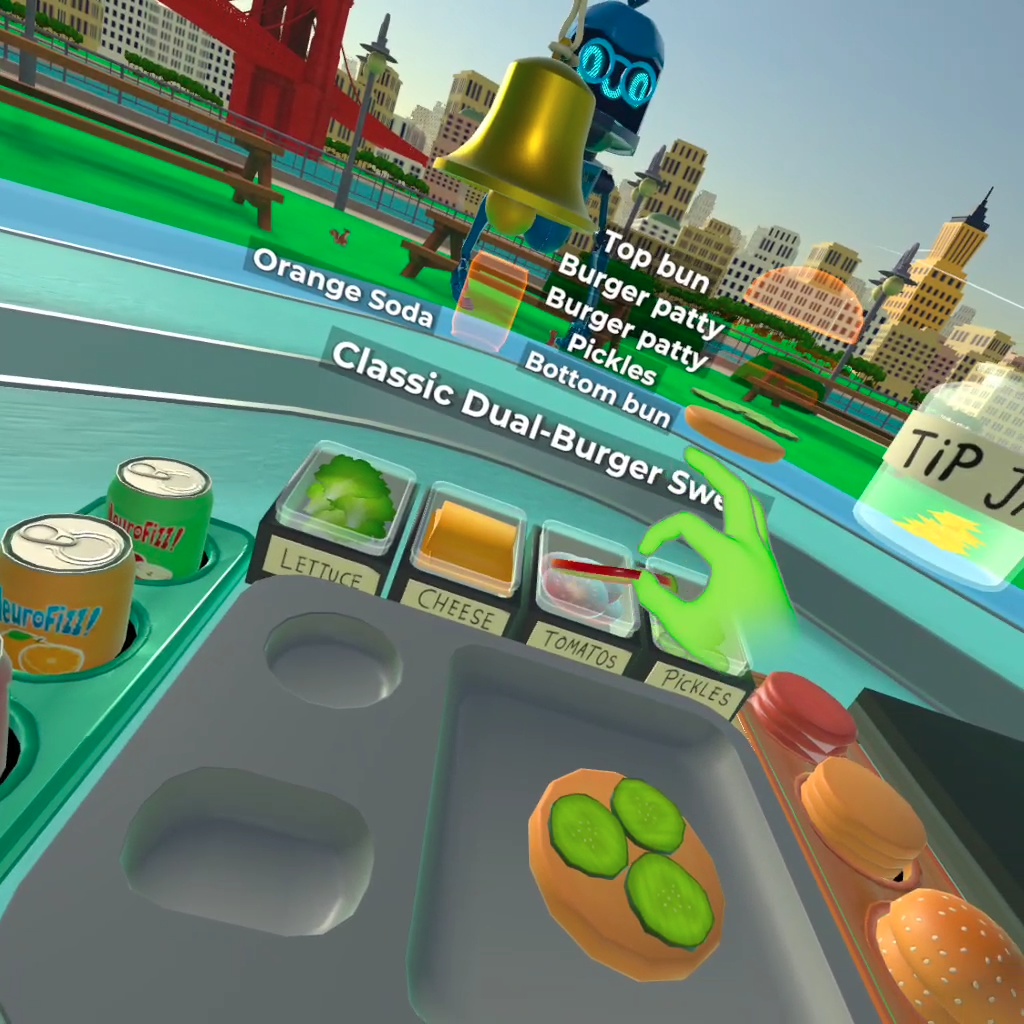
Lower‑limb training games
Cycling Game
Trains seated marching and lower‑limb strengthening.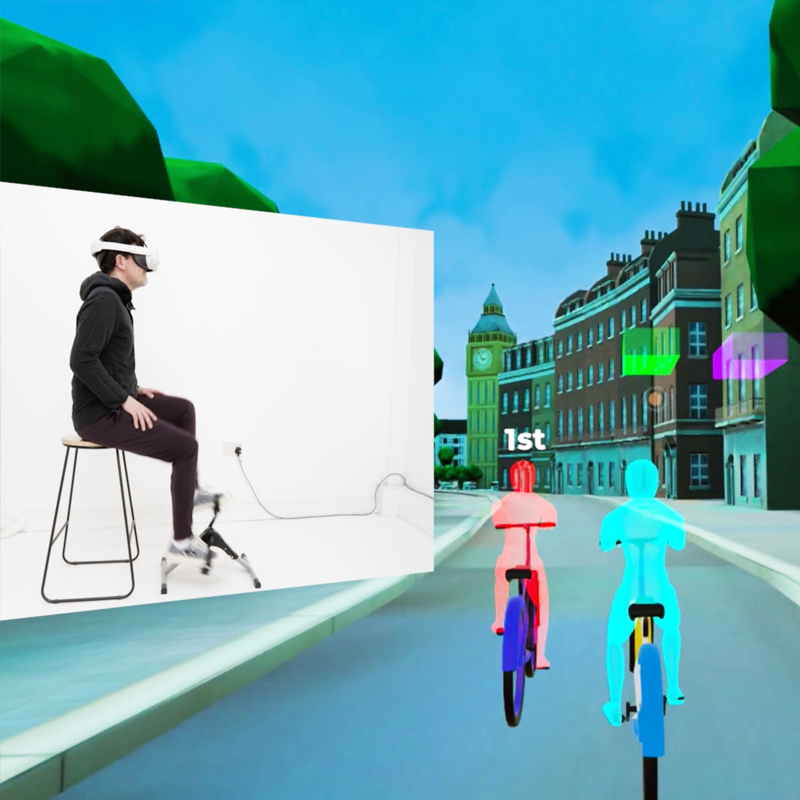
Painting Game
Challenges static and dynamic balance through controlled weight shifting.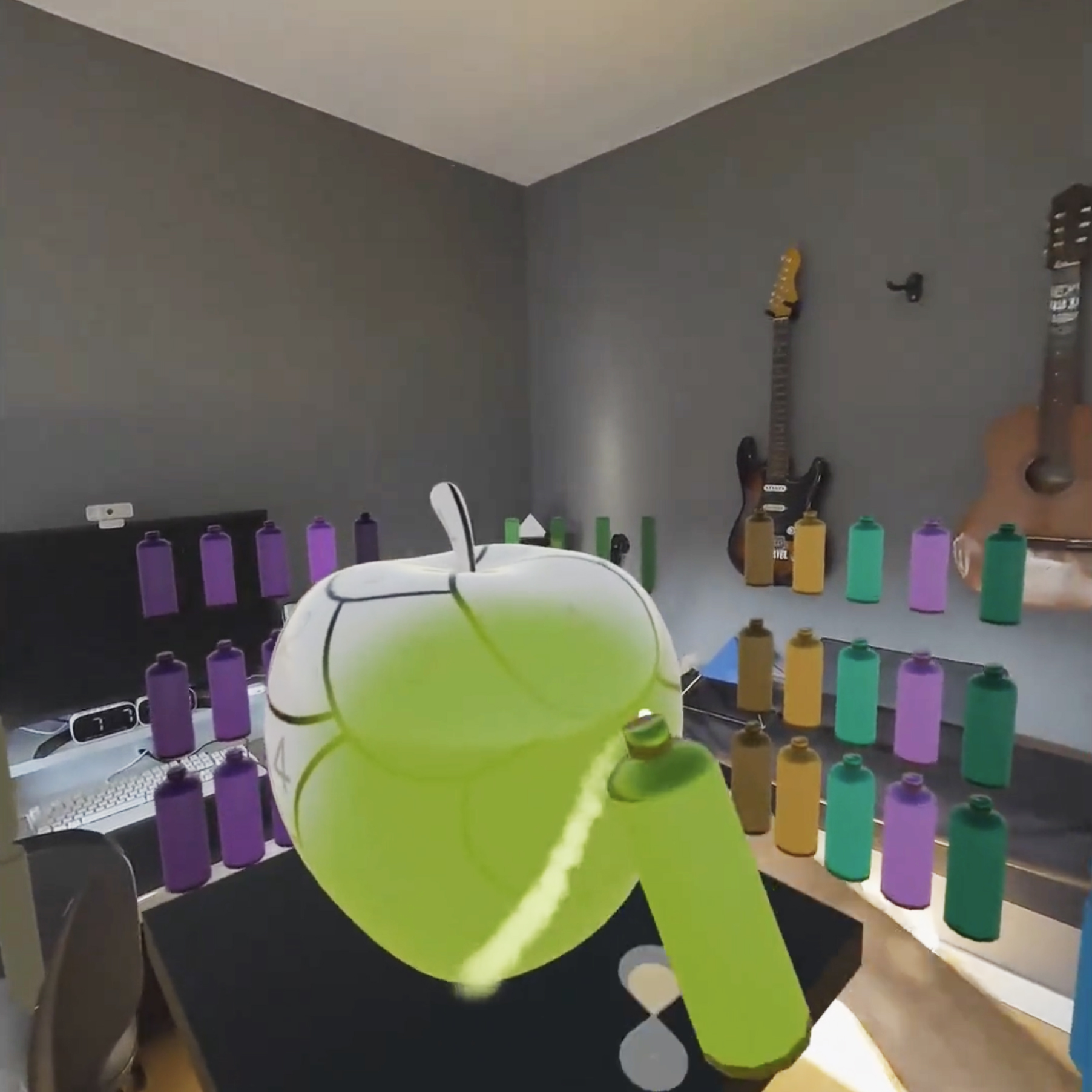
Dancing Game
Encourages stepping, squatting, and multi‑directional weight shifting.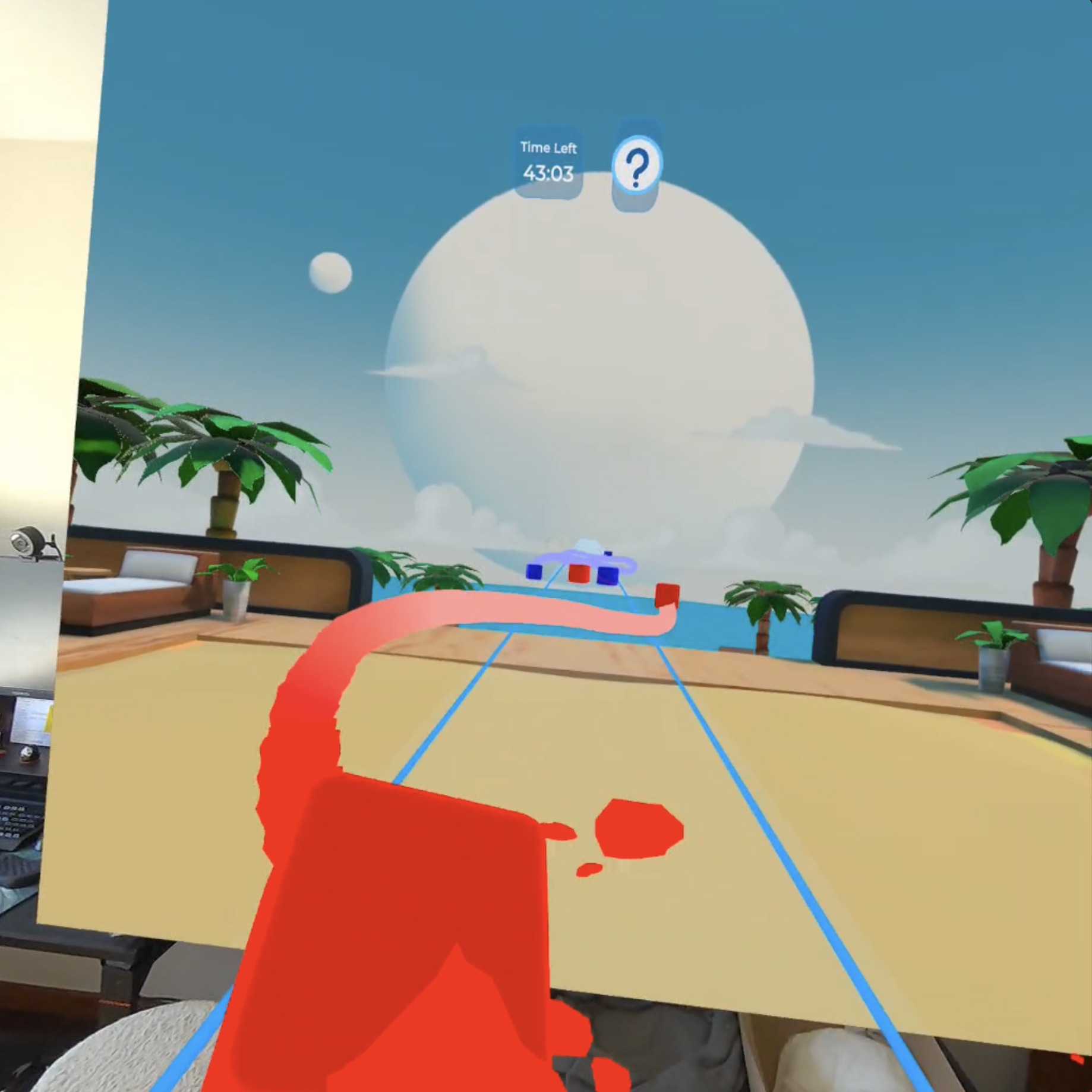
Warm-up
Warm-up exercises performed in a seated position.
Application operation and navigation
How users interact with NeuroVirt
NeuroVirt is operated primarily using gaze control.
- The user’s gaze appears as an orange dot on the screen.
- To select an option, the user looks at it until the selection indicator fills.
- Once filled, the option is selected automatically.
During gameplay:
- Some games require hand controllers.
- Other games use hand tracking only. In these cases, the user is prompted to place the controllers aside.
- Each game clearly indicates the required interaction method on screen.
Choosing a game
- The user selects upper‑limb or lower‑limb activities.
Relevant games for the selected body area are displayed.
Games are named according to the functional skill they train.
Icons indicate whether the game uses hands, controllers, or lower‑limb movement.
- The user selects a game to begin.
Before each game begins, the user is guided through a brief tutorial and practice phase to get familiar with the gameplay and controls.
Exiting a game or ending a session
To return to the NeuroVirt game library:
- Look at the question mark icon (?) at the top of the screen.
- Select Return to Library.
To exit NeuroVirt and return to the XRHealth Portal:
- Look at the question mark icon (?) at the top of the screen.
- Select End Session.
- A session summary screen appears.
- Looking left displays the Rewards Wall with session achievements.
- Select Exit to leave the application.
Difficulty levels and personalization
Difficulty in NeuroVirt is not fixed and should be selected based on the patient’s functional level and movement quality.
How difficulty is adjusted
- Clinicians can manually adjust difficulty in supported games.
- Some games include adaptive behavior that may:
- Reduce movement range when performance declines
- Slow gameplay when fatigue is detected
VR‑based personalization
- The system tracks the patient’s best performance in VR.
- Games adapt over time to maintain a “just‑right” challenge level.
Practical setup tips
- Use pillows or arm supports to assist posture
- Adjust seating and boundaries for patients with visual neglect
- Modify table height or arm support as needed
Safety considerations
- Perform a risk assessment before use
- Not recommended for patients unable to safely follow instructions or tolerate XR
- NeuroVirt is designed to minimize motion sickness and discomfort
Example clinical use
Upper‑limb rehabilitation:
Butterfly Catching, Saw Game, Boxing Game
Fine motor recovery:
Maze Game, Cooking Game, Boxing Game